
How much is left. When it runs out. At a glance.
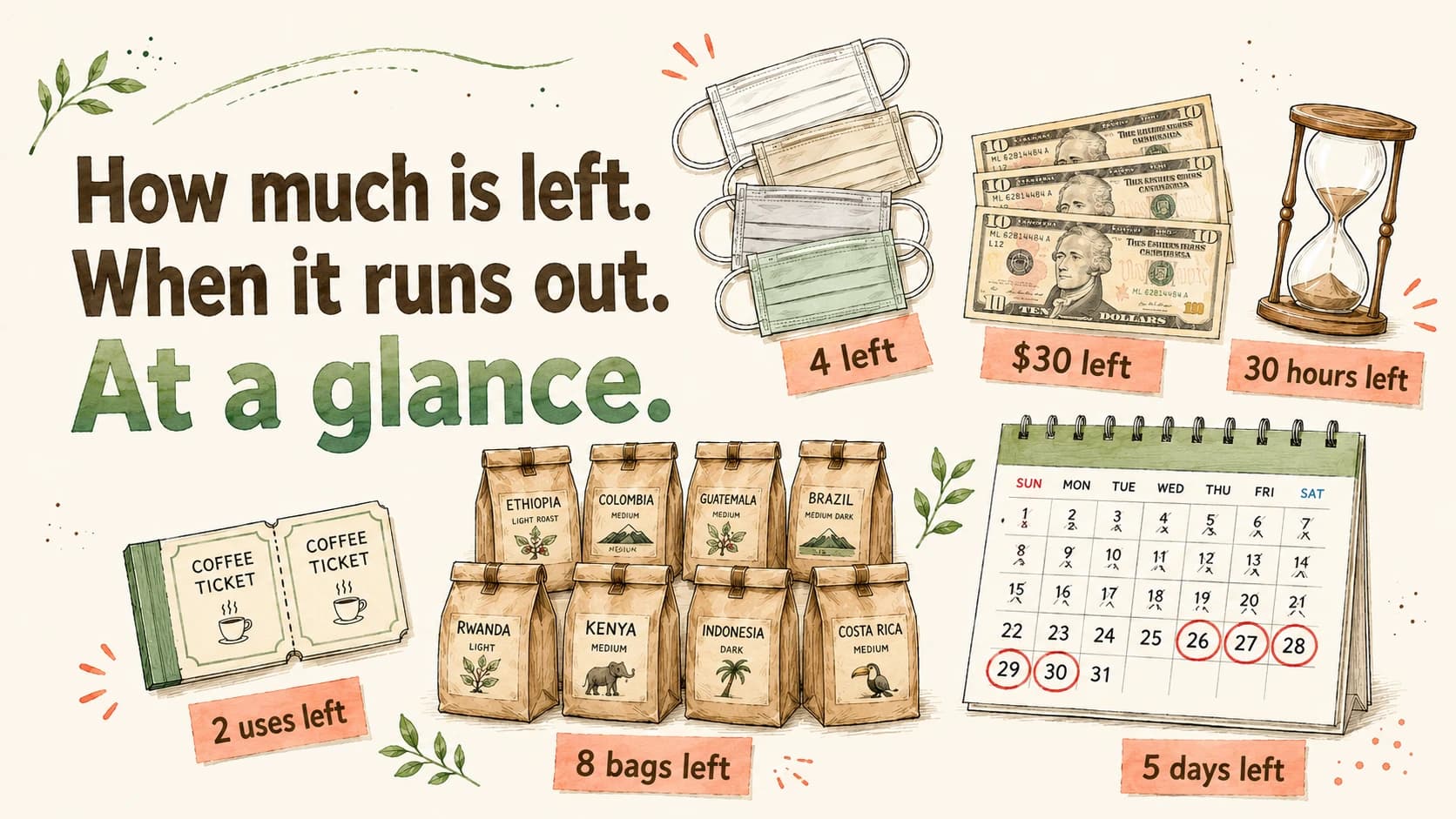
Handmade artisan's parts, salon session packs, jobsite materials, neighborhood petty cash.
Or your monthly household budget, fan-activity envelopes, lingering subscriptions — anything you can count.
Just record what came in and what went out. Nokoria tracks your balance and predicts when it runs out.
No more Excel. No more paper notes.
Timeline
Apartment A - Neighborhood fee
Past outflows cycle around 174 days. The next remittance is expected around 2026/11/04 (~164 days from now) (estimate).
¥132,000
¥102,000
¥30,000
- ¥30,000
¥24,000
8 remittances
B201 Ito SakuraC102 Kobayashi TakumiA101 Tanaka Taro+52026/05/15
- ¥54,000
¥12,000
C202 Yoshida Yuta
2-year deposit
2026/02/01
- ¥42,000
¥30,000
10 remittances
A201 Sato MisakiC102 Kobayashi TakumiB102 Takahashi Shota+72025/10/01
- ¥72,000
¥24,000
8 remittances
B101 Suzuki YumiA101 Tanaka TaroA202 Yamada Kenichi+52025/06/01
- ¥96,000
¥12,000
B202 Watanabe Daisuke
2-year deposit
2025/04/01
- ¥84,000
¥12,000
C102 Kobayashi Takumi
2-year deposit
2025/03/01
- ¥72,000
¥36,000
3 deposits
C201 Kato MihoB201 Ito SakuraB102 Takahashi Shota2025/02/01
- ¥36,000
¥15,000
5 remittances
A201 Sato MisakiC101 Nakamura MaiA101 Tanaka Taro+22024/10/01
- ¥51,000
¥12,000
A101 Tanaka Taro
2-year deposit
2024/09/01
- ¥39,000
¥9,000
3 remittances
A202 Yamada KenichiA201 Sato MisakiB101 Suzuki Yumi2024/06/01
- ¥45,000
¥12,000
C101 Nakamura Mai
2-year deposit
2024/06/01
- ¥36,000
¥24,000
2 deposits
B101 Suzuki YumiA201 Sato Misaki2024/04/01
- ¥12,000
¥12,000
A202 Yamada Kenichi
2-year deposit
2024/01/01
- ¥30,000
¥24,000
8 remittances
B201 Ito SakuraC102 Kobayashi TakumiA101 Tanaka Taro+52026/05/15
- ¥54,000
¥12,000
C202 Yoshida Yuta
2-year deposit
2026/02/01
- ¥42,000
¥30,000
10 remittances
A201 Sato MisakiC102 Kobayashi TakumiB102 Takahashi Shota+72025/10/01
- ¥72,000
¥24,000
8 remittances
B101 Suzuki YumiA101 Tanaka TaroA202 Yamada Kenichi+52025/06/01
- ¥96,000
¥12,000
B202 Watanabe Daisuke
2-year deposit
2025/04/01
- ¥84,000
¥12,000
C102 Kobayashi Takumi
2-year deposit
2025/03/01
- ¥72,000
¥36,000
3 deposits
C201 Kato MihoB201 Ito SakuraB102 Takahashi Shota2025/02/01
- ¥36,000
¥15,000
5 remittances
A201 Sato MisakiC101 Nakamura MaiA101 Tanaka Taro+22024/10/01
- ¥51,000
¥12,000
A101 Tanaka Taro
2-year deposit
2024/09/01
- ¥39,000
¥9,000
3 remittances
A202 Yamada KenichiA201 Sato MisakiB101 Suzuki Yumi2024/06/01
- ¥45,000
¥12,000
C101 Nakamura Mai
2-year deposit
2024/06/01
- ¥36,000
¥24,000
2 deposits
B101 Suzuki YumiA201 Sato Misaki2024/04/01
- ¥12,000
¥12,000
A202 Yamada Kenichi
2-year deposit
2024/01/01
And how many days until zero.
Auto-predicted from past usage. Stop being caught empty-handed.
- Nokoria reads cycles and steady patterns,
- and tells you how many days are left before zero.
- Set a threshold and get notified — never forget to restock.
Runout forecast
Apartment A - Neighborhood fee
Past outflows cycle around 174 days. The next remittance is expected around 2026/11/04 (~164 days from now) (estimate).
Just record ins and outs.
Nokoria handles the rest — calculation, forecasting, alerts, and sharing.
Auto balance
Just record ins and outs. Nokoria calculates the remaining amount for you. No calculator needed.
Organize with folders
Per project, per store, per account manager. Build a folder hierarchy your own way for clean organization.
At-a-glance home
Three views — low balance, favorites, and tag groups — consolidated on home. Jump straight in without navigating the folder tree.
Full-history timeline
When, what, and how much moved — review every entry on a single timeline.
Easy filtering
Date, category, notes. Find exactly what you need with built-in search and filters.
Runout forecast
Predict when you'll run out, based on past usage. Stop being caught empty-handed.
Threshold alerts
Get notified when balance drops below your set value. Prevent shortages before they happen.
Import / Export
Bulk-load and export in both CSV and Excel formats. For summary, analysis, and backup.
Bulk add
Select multiple folders and add the same transaction in one shot. No more repeating the same entry over and over.
Share with your team
Invite members and share balances in real time. Keep everyone aligned on what's left right now.
Transaction change history
Automatically records who changed what and when on each transaction. Useful for verifying mistakes and team audit.
Public API
Access and modify balances and transactions from external systems and scripts. Enables spreadsheet integration and automation.
A use case for every scale
From private budgets to multi-location inventory transfers, Nokoria tracks anything countable.
Monthly fan-activity budget
Split your monthly budget into pockets like "Idol A", "Concerts & merch", or "Gacha". Subtract each spend so you never blow your budget by month-end.
Envelope budgeting
Allocate groceries, leisure, and savings at the start of each month. No bank linking — just manual entry that shows exactly how much you can still spend.
Subscription decluttering
Log every active subscription as a minus first. When you cancel one, log the same amount as a plus to clear it. Watch your monthly burden close in on zero — a real sense of progress.
Handmade artisan's event ⇄ online stock
Manage event and online inventory in separate folders. When online runs low, transfer from event stock — no more double-bookings or stockouts.
Before
After
Salon session-pack tracking
Subtract a session with one tap after each appointment. Clients also see their remaining count, so no more "how many do I have left?" disputes.
Neighborhood / PTA petty cash
Log dues collected, event spending, and transfers. "How much is left right now?" is always one tap away, making the annual treasurer hand-off easy.
Cross-site material transfers
Track materials per jobsite. When Site B runs short, cover it from Site A's surplus — no urgent re-order, no project delay.
Before
After
Cross-facility supply transfers
Share supply visibility across facilities. Move from a surplus facility to a short one in one tap — never break service for residents.
Before
After
Simple pricing
From individuals to teams — pick the plan that fits.
Free
Start lightly on your own
- Up to 3 transaction folders
- Auto balance calculation
- Organize with folders
- At-a-glance home
- Full-history timeline
- Easy filtering
Personal
For serious individual use
- Everything in Free
- Unlimited transaction folders
- ★ Forecast remaining
- ★ Threshold alerts
- Import / export
- Bulk add
- Transaction change history
- Public API (coming soon)
Team Small
Best for teams of up to 5
- Everything in Personal
- ★ Team sharing
- Up to 5 members
Team Pro
For teams of up to 20
- Everything in Team Small
- Up to 20 members
Team Custom
21+ members, enterprise
- Everything in Team Pro
- 21+ members
- Custom contract
For teams of 21+ members, please contact info@nokoria.com
Yearly plans are non-refundable when canceled or downgraded mid-term.
Frequently asked questions
Common questions about Nokoria.
Is Nokoria a personal finance app?
Can it connect to bank accounts or credit cards?
Can I manage multiple businesses or properties together?
Are there member permission controls?
Can I import and export data?
Does it work on smartphones?
What's included in the free plan?
Are team plans charged per member?
Are yearly plans refundable if I cancel mid-term?
Ready to see what remains?
Nokoria is free to start.
Begin by tracking just one balance you care about.